
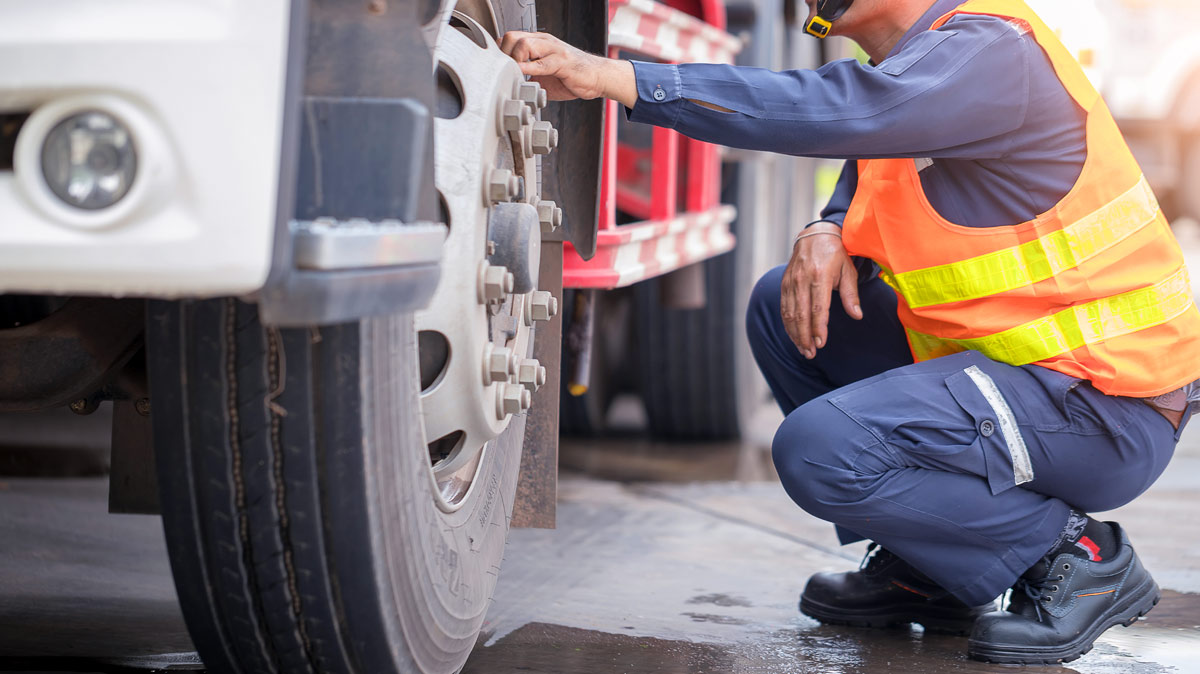
Digital DVIR: How Fleets Are Replacing Paper Inspections With Cloud-Based Reporting
Daily vehicle inspections are one of the most important routines in commercial fleet operations. Before a truck leaves the yard, the driver needs to know whether the vehicle is safe to operate. After the workday ends, the carrier needs a clear record of any defects that could affect safety, cause a breakdown, or create compliance problems. For years, many fleets handled this process with clipboards, paper forms, filing cabinets, and manual follow-up. Today, digital DVIR tools make the process faster, easier to manage, and more useful for maintenance planning.
What Is a DVIR?
A Driver Vehicle Inspection Report, commonly called a DVIR, is the formal record used to document defects or deficiencies found during a commercial vehicle inspection. Under 49 CFR §396.11, motor carriers must require drivers to report defects or deficiencies that would affect the safe operation of the vehicle or result in a mechanical breakdown. The regulation lists key components such as service brakes, parking brakes, steering, lighting devices, tires, windshield wipers, mirrors, coupling devices, wheels and rims, and emergency equipment.
The pre-trip side of the process is also important. Under 49 CFR §396.13, a driver must be satisfied that the vehicle is in safe operating condition before driving. If the previous DVIR listed defects, the driver must review the report and acknowledge that required repairs were completed or that repair was not necessary before the vehicle is operated again.
The Problem With Paper Inspection Reports
For fleet managers, the challenge is not just completing inspections. The real challenge is making inspection information usable. A paper form may technically record a problem, but it can sit in a truck, get lost in a stack of paperwork, or reach the maintenance team too late. A digital DVIR changes that workflow by moving inspections into a mobile app and connecting the information to the fleet management platform.
Paper-based inspections can also create delays between the driver, the office, and the maintenance team. If a defect is written down but not reviewed quickly, the fleet may lose valuable time before repairs are scheduled. In worst-case situations, a vehicle with a safety-related issue could be dispatched again before the right person has seen the report.
How Digital DVIRs Improve the Inspection Process
With Geotab Drive, drivers can complete vehicle inspections from a smartphone or tablet instead of filling out paper forms by hand. Geotab’s platform supports inspection workflows, Hours of Service, driver identification, messaging, and compliance visibility in MyGeotab. This matters because a defect report is only valuable if the right person sees it quickly and can take action before the vehicle is dispatched again.
Digital DVIRs also reduce the friction that often causes inspection routines to become inconsistent. Instead of relying on drivers to remember every inspection item, a digital workflow can guide them through a structured list. Geotab explains that drivers can use the Geotab Drive app to perform asset inspections, document defects, review previous inspections, and mark defects as repaired. This creates a clearer process for drivers, mechanics, and managers.
Faster Defect Reporting and Follow-Up
Another major benefit is speed. When a paper DVIR identifies a defect, someone usually has to collect the form, read it, enter the information, notify maintenance, and track whether the repair was completed. In a digital system, the defect can be visible much sooner. Geotab notes that electronic DVIRs allow drivers to complete reports on a mobile device, select defects, add comments, and review previous inspections through the same workflow. In Geotab’s overview of electronic Driver Vehicle Inspection Reports, the company also explains that MyGeotab integration allows fleet managers to monitor DVIRs and catch issues before they become violations.
Closing the Loop Between Inspections and Maintenance
Digital DVIRs also help close the loop between inspection and maintenance. The most important part of a DVIR is not the form itself; it is the corrective action that follows. Under 49 CFR §396.11, carriers must repair defects or deficiencies that are likely to affect safe operation before the vehicle is operated again, and they must certify on the report that the defect has been repaired or that repair is unnecessary. A cloud-based workflow gives managers better visibility into which vehicles have open defects, which repairs are complete, and which units should not be dispatched.
This is where digital inspections become more than a compliance tool. They become part of a proactive maintenance strategy. When inspection data is stored in the cloud, managers can identify recurring issues, spot patterns across vehicle types, and prioritize repairs before small problems become roadside breakdowns. A driver noticing a tire, brake, light, or coupling issue at the right time can prevent downtime, towing costs, delayed deliveries, and safety risk.
Easier Recordkeeping for Compliance
Digital records also make audits and internal reviews easier. The current federal rules allow certain required documents and signatures to be created and maintained electronically, as long as they accurately reflect the required information and can be retained and reproduced when needed. FMCSA’s rules on electronic documents and signatures support the use of electronic records for requirements under 49 CFR Parts 300–399 when the records meet those conditions. For fleets, that means moving away from paper does not have to mean losing compliance confidence.
What About No-Defect DVIRs?
It is also important to understand the “no-defect” DVIR rule. FMCSA changed federal rules to reduce unnecessary paperwork when drivers have not found or been made aware of defects. The current language in 49 CFR §396.11 states that drivers are not required to prepare a report if no defect or deficiency is discovered by or reported to the driver. FMCSA first addressed no-defect DVIRs for many property-carrying operations in a 2014 final rule, and later addressed passenger-carrier no-defect DVIRs in a final rule for passenger-carrying CMVs. However, fleets may still choose to require daily no-defect inspection records as a company policy, and state, local, contract, or cross-border requirements may vary.
Benefits for Drivers
For drivers, digital DVIRs can make inspections feel less like paperwork and more like a simple daily safety routine. The driver opens the app, selects the vehicle or asset, follows the inspection list, records any defects, and submits the report. If a previous inspection had a defect, the driver can review the repair status before operating the vehicle. This gives drivers a clearer way to communicate problems and helps protect them from being sent out in equipment that should be reviewed first.
Benefits for Fleet Managers
For fleet managers, digital DVIRs create accountability without relying on piles of paper. They can see which inspections were completed, which vehicles have reported defects, and which repairs need attention. They can also use inspection history to support maintenance planning, driver coaching, and internal safety reviews. Instead of discovering problems after a roadside inspection or breakdown, managers get earlier visibility into vehicle condition.
Benefits for Maintenance Teams
For maintenance teams, digital inspection reports help prioritize work. A paper form may say “light issue” or “brake problem” with limited detail. A digital workflow can make defect categories more consistent, attach comments, and make the issue easier to assign and track. When the repair is complete, the repair status can be updated so the next driver and manager can see that the issue was addressed.
Moving From Clipboard Inspections to Cloud-Based Fleet Management
Moving from clipboard inspections to cloud-based DVIRs is not just about replacing paper with an app. It is about creating a better inspection process from start to finish. The driver completes the inspection. The manager sees the result. The maintenance team receives the defect. The repair is tracked. The record is stored. Everyone works from the same information.
For growing fleets, this visibility becomes especially valuable. A small fleet may be able to manage inspections manually for a while, but as the number of vehicles, drivers, trailers, and job sites increases, paper systems become harder to control. Digital DVIRs help standardize the process across the entire operation, whether the fleet includes heavy-duty trucks, light-duty service vehicles, trailers, or specialized equipment.
Simplify Digital DVIRs With GPS Tracking America
At GPS Tracking America, we help fleets move beyond paper-based processes with GPS tracking and Geotab-integrated fleet management solutions that support compliance, inspections, maintenance visibility, and safer daily operations. Whether you are trying to simplify DVIRs, improve vehicle uptime, or give managers better insight into fleet activity, our team can help you choose the right Geotab setup for your business. Contact us today to learn how digital DVIRs and cloud-based fleet tracking can help your operation move from the clipboard to the cloud.
Frequently Asked Questions
What is a DVIR?
A DVIR, or Driver Vehicle Inspection Report, is a report used by commercial drivers to document vehicle defects or safety issues found during an inspection.
What does digital DVIR mean?
Digital DVIR means completing driver vehicle inspection reports electronically using a mobile app or fleet management platform instead of paper forms.
Why should fleets move from paper DVIRs to digital DVIRs?
Fleets should move to digital DVIRs because they make inspections easier to complete, faster to review, simpler to store, and more useful for maintenance planning.
How does a digital DVIR help with compliance?
A digital DVIR helps with compliance by keeping inspection records organized, making defects easier to track, and helping fleets document repair follow-up when required.
Are digital DVIRs allowed by FMCSA?
Yes. Electronic records can be used for many FMCSA compliance requirements as long as they accurately contain the required information and can be retained and reproduced when needed.
What types of defects should drivers report on a DVIR?
Drivers should report defects that may affect safe operation, including issues with brakes, steering, tires, lights, mirrors, windshield wipers, coupling devices, wheels, rims, and emergency equipment.
Do drivers need to complete a DVIR every day?
Drivers must report defects or deficiencies that affect safe operation or could cause a mechanical breakdown. Some fleets may also require daily no-defect inspection reports as an internal safety policy.
What is a no-defect DVIR?
A no-defect DVIR is an inspection report showing that the driver did not find any defects or deficiencies during the inspection.
Does FMCSA require no-defect DVIRs?
In many cases, FMCSA does not require drivers to prepare a report when no defect or deficiency is found or reported. However, company policies, contracts, state rules, or specific fleet requirements may still require them.
How does Geotab support digital DVIRs?
Geotab supports digital DVIRs through Geotab Drive and MyGeotab, allowing drivers to complete inspections, record defects, review previous reports, and help managers monitor vehicle condition.
Can drivers complete DVIRs on a phone or tablet?
Yes. With a digital DVIR system, drivers can complete inspections from a compatible smartphone or tablet using a mobile app.
How do digital DVIRs help maintenance teams?
Digital DVIRs help maintenance teams by making defects visible sooner, organizing repair needs, and helping track whether reported issues have been resolved.
Can digital DVIRs reduce vehicle downtime?
Yes. Digital DVIRs can help reduce downtime by identifying problems earlier and giving managers and maintenance teams more time to schedule repairs before a breakdown occurs.
How do digital DVIRs improve driver accountability?
Digital DVIRs create a clear record of completed inspections, reported defects, repair status, and driver acknowledgement when applicable.
Are digital DVIRs useful for small fleets?
Yes. Small fleets can benefit from digital DVIRs because they reduce paperwork, improve organization, and make it easier to keep track of vehicle safety issues.
Are digital DVIRs only for trucks?
No. Digital DVIRs can be used for trucks, trailers, service vehicles, heavy equipment, and other assets depending on the fleet’s inspection needs.
What happens when a driver reports a defect digitally?
When a driver reports a defect digitally, the issue can be reviewed by managers or maintenance staff so the fleet can decide whether repairs are required before the vehicle is used again.
Can digital DVIRs help during audits?
Yes. Digital DVIRs can help during audits by keeping inspection records organized, searchable, and easier to reproduce compared to paper forms.
How do digital DVIRs support preventive maintenance?
Digital DVIRs support preventive maintenance by giving fleets inspection history, recurring defect patterns, and earlier visibility into vehicle issues before they become major repairs.
How can GPS Tracking America help with digital DVIRs?
GPS Tracking America helps fleets implement Geotab-integrated GPS tracking and digital inspection solutions that support DVIR workflows, maintenance visibility, compliance, and safer fleet operations.