Geotab End-to-End Security
Geotab’s end-to-end security is designed to protect fleet data throughout the telematics ecosystem, from the vehicle and GO device to data transmission, cloud infrastructure, and authorized MyGeotab users. The platform combines authentication, encryption, message integrity verification, individualized device credentials, access controls, security monitoring, and independent testing. This layered approach helps reduce the risk of unauthorized access, intercepted communications, forged data, and untrusted software. For businesses that depend on GPS locations, driver information, vehicle diagnostics, and operational reports, Geotab provides a security-focused foundation for connected fleet management.
Authentication and Encryption Protect Data from Vehicle to Cloud
Geotab GO devices and network interfaces use authentication, encryption, and message integrity verification to help ensure that fleet data comes from a recognized device and has not been improperly read or altered during transmission. Each GO device is individualized with a unique identifier and a non-static security key, making it more difficult for an unauthorized device to imitate a legitimate tracker. Geotab also uses AES-256 encryption to protect the communication channel between supported GO devices and the secure Geotab Gateway server. These safeguards help fleets transmit sensitive location, vehicle, and operational data with greater confidence.


Digitally Signed Firmware Helps Protect Connected Vehicles
Geotab uses digitally signed firmware for over-the-air updates, allowing its devices to verify that an update originates from a trusted source before it is installed. This security measure helps prevent unauthorized or modified firmware from taking control of a telematics device, changing how information is collected, or redirecting fleet data. Because Geotab manages key parts of its hardware, firmware, server, and software environment, security can be addressed across the connected platform rather than at only one point. Fleet operators benefit from devices that can receive trusted updates as technology, functionality, and cybersecurity threats evolve.
Account Controls and Independent Validation Strengthen Fleet Security
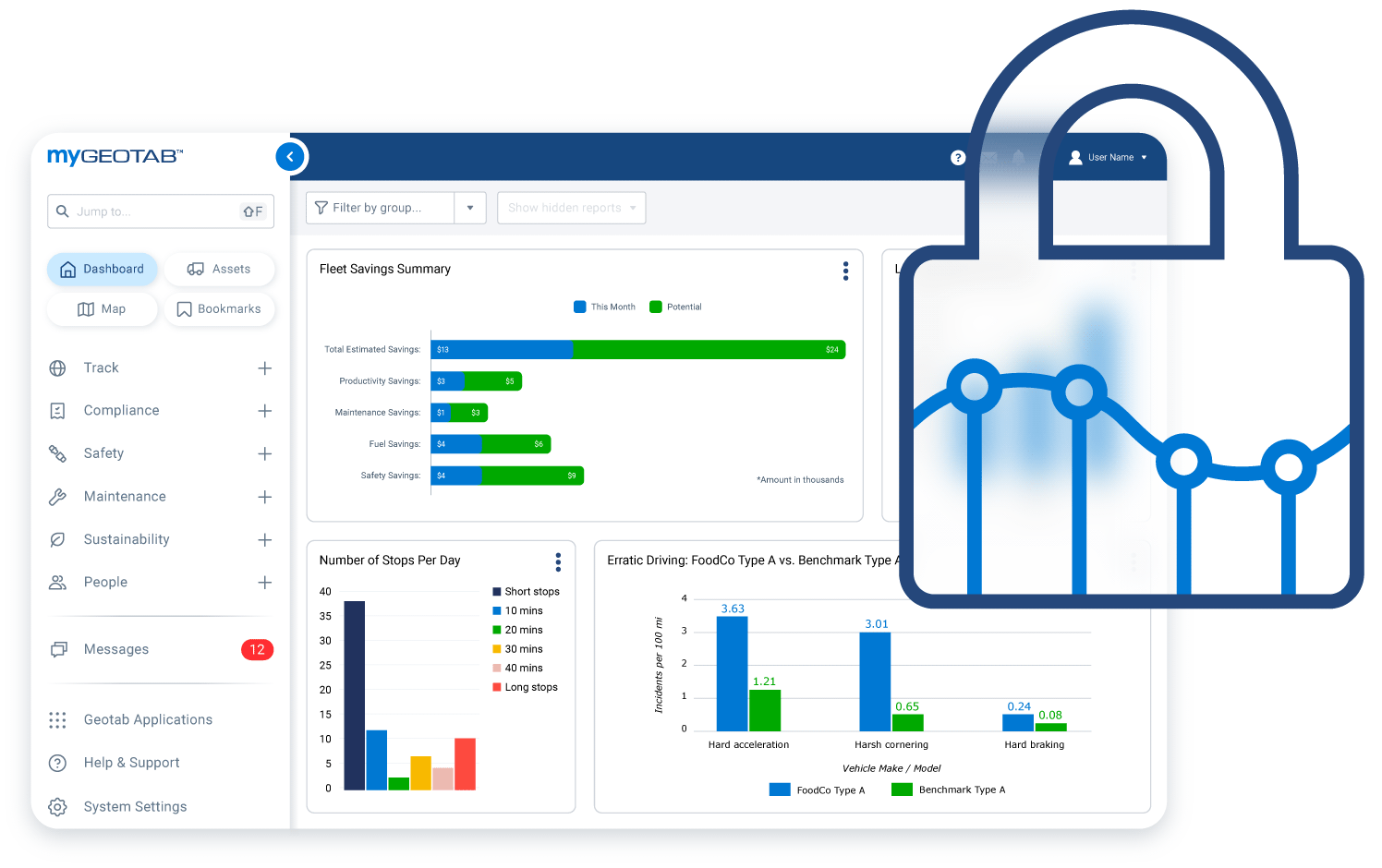
Geotab supports granular user permissions so organizations can determine which employees may access specific vehicles, reports, settings, and administrative functions in MyGeotab. Multi-factor authentication options using SAML and single sign-on can provide an additional layer of account protection when properly configured. Geotab also conducts penetration testing, vulnerability scanning, ongoing security audits, and independent security assessments. Its security program includes ISO/IEC 27001:2022 certification, SOC 2 Type 2 attestation, FedRAMP authorization, and FIPS 140-3-validated cryptographic modules within Geotab devices. These measures can help organizations evaluate telematics security, satisfy internal procurement requirements, and manage fleet data responsibly, although no technology eliminates every cybersecurity risk.

Build a More Secure Connected Fleet with GPS Tracking America
Fleet data can reveal vehicle locations, driver activity, operating schedules, maintenance information, and other important business details, making telematics security a critical purchasing consideration. Geotab protects this information through multiple coordinated safeguards, including secure device identities, encrypted communications, trusted firmware, controlled user access, system monitoring, and ongoing testing. GPS Tracking America can help your organization select and implement an appropriate Geotab solution while configuring access according to your operational and security requirements. Contact us to learn how Geotab’s end-to-end security can support a safer, more secure, and better-connected fleet.
What is Geotab end-to-end security?
Geotab end-to-end security is a layered approach designed to protect fleet data across the telematics ecosystem, including the GO device, network communications, cloud infrastructure, firmware, MyGeotab application, and authorized user accounts.
What types of fleet information does Geotab security help protect?
Geotab security measures can help protect supported GPS locations, trip histories, driver activity, vehicle diagnostics, maintenance records, safety events, fuel or energy information, reports, and other telematics data collected or stored by the platform.
How does Geotab protect data sent from a vehicle?
Geotab GO devices and network interfaces use authentication, encryption, and message integrity verification. These measures help confirm the identity of the device, protect information during transmission, and detect messages that may have been improperly changed.
Does Geotab encrypt fleet data?
Yes. Geotab uses encryption methods to protect customer data while it is being transmitted and stored. Geotab states that AES-256 encryption protects the communication channel between supported devices and the secure Geotab Gateway server.
What is AES-256 encryption?
AES-256 is an industry-standard encryption method that uses a 256-bit key to convert readable information into protected data. Geotab uses AES-256 to help prevent unauthorized parties from reading communications between supported GO devices and the Geotab Gateway server.
How does authentication improve Geotab device security?
Authentication helps Geotab verify that communications come from a recognized device or authorized system. This reduces the risk of an unauthorized device impersonating a legitimate fleet tracking unit and submitting false information.
What is message integrity verification?
Message integrity verification checks whether transmitted information has been modified unexpectedly. It helps Geotab identify data that may have been corrupted, manipulated, or forged while moving between a telematics device and the platform.
Does every Geotab GO device have a unique identity?
Geotab GO devices are individualized using a unique identifier and a non-static security key. This makes it more difficult for an unauthorized device to imitate the identity of a legitimate GO device.
What is a non-static security key?
A non-static security key is not permanently fixed to a single unchanging value. Using non-static keys can make unauthorized device impersonation and the reuse of intercepted security credentials more difficult.
How are Geotab firmware updates secured?
Geotab uses digitally signed firmware for over-the-air updates. A digital signature allows the device to verify that an update came from a trusted source before installing it, helping prevent unauthorized or modified firmware from being loaded.
Can Geotab security help prevent malicious firmware installation?
Digitally signed updates are designed to reduce the risk of unauthorized firmware being installed on a GO device. No system can eliminate every cybersecurity threat, but verifying firmware sources provides an important layer of device protection.
How does Geotab protect information stored in the cloud?
Geotab uses measures such as encryption, firewalls, access controls, activity monitoring, restricted server access, security audits, vulnerability management, and organizational security procedures to protect its cloud environment and stored fleet information.
Does MyGeotab support multi-factor authentication?
Yes. MyGeotab supports multi-factor authentication through supported identity-management configurations, including SAML and single sign-on. Available options and setup requirements may depend on the organization’s identity provider and MyGeotab configuration.
Can administrators control what each MyGeotab user can access?
Yes. MyGeotab supports granular security permissions that allow administrators to control which vehicles, drivers, reports, settings, data, and administrative functions different users can access.
How do user permissions improve fleet data security?
User permissions help organizations follow the principle of least privilege by giving employees access only to the information and functions required for their responsibilities. This can reduce unauthorized viewing, accidental changes, and misuse of sensitive fleet information.
Does Geotab perform penetration testing and vulnerability scanning?
Yes. Geotab reports that it conducts regular penetration tests and vulnerability scans of its servers and platforms. Applications are also provided to external security researchers for independent examination.
Is Geotab security independently assessed?
Yes. Geotab uses independent third-party experts and assessors to evaluate elements of its platform, controls, processes, and operating environments. Independent reviews help identify vulnerabilities and verify whether documented security controls are operating as intended.
What security certifications and authorizations does Geotab maintain?
Geotab reports security credentials that include ISO/IEC 27001:2022 certification, SOC 2 Type 2 attestation, FedRAMP authorization, and FIPS 140-3 validation for cryptographic modules within Geotab devices. The applicability of a particular certification or authorization can depend on the product, environment, and customer requirements.
Do Geotab certifications automatically make my business compliant?
No. Certifications and independent assessments demonstrate that Geotab maintains specified security controls and processes, but they do not automatically make every customer compliant with a law, regulation, or industry standard. Compliance also depends on how the organization configures, accesses, retains, shares, and protects its fleet data.
Is Geotab completely protected against every cyberattack?
No telematics or information system can guarantee complete protection against every cybersecurity threat. Geotab uses a layered security program involving authentication, encryption, signed firmware, access controls, monitoring, testing, incident-response procedures, and independent assessment to help manage and reduce security risk.