Geotab DVIR & Asset Inspections
Digital Vehicle Inspections for Fleet Safety and Compliance
A Driver Vehicle Inspection Report (DVIR) is a record used to document the inspection of a commercial motor vehicle and any safety-related defects identified. Under Federal Motor Carrier Safety Administration (FMCSA) regulations, drivers must inspect applicable vehicles before operating them and complete the required post-trip inspection report at the end of the workday.
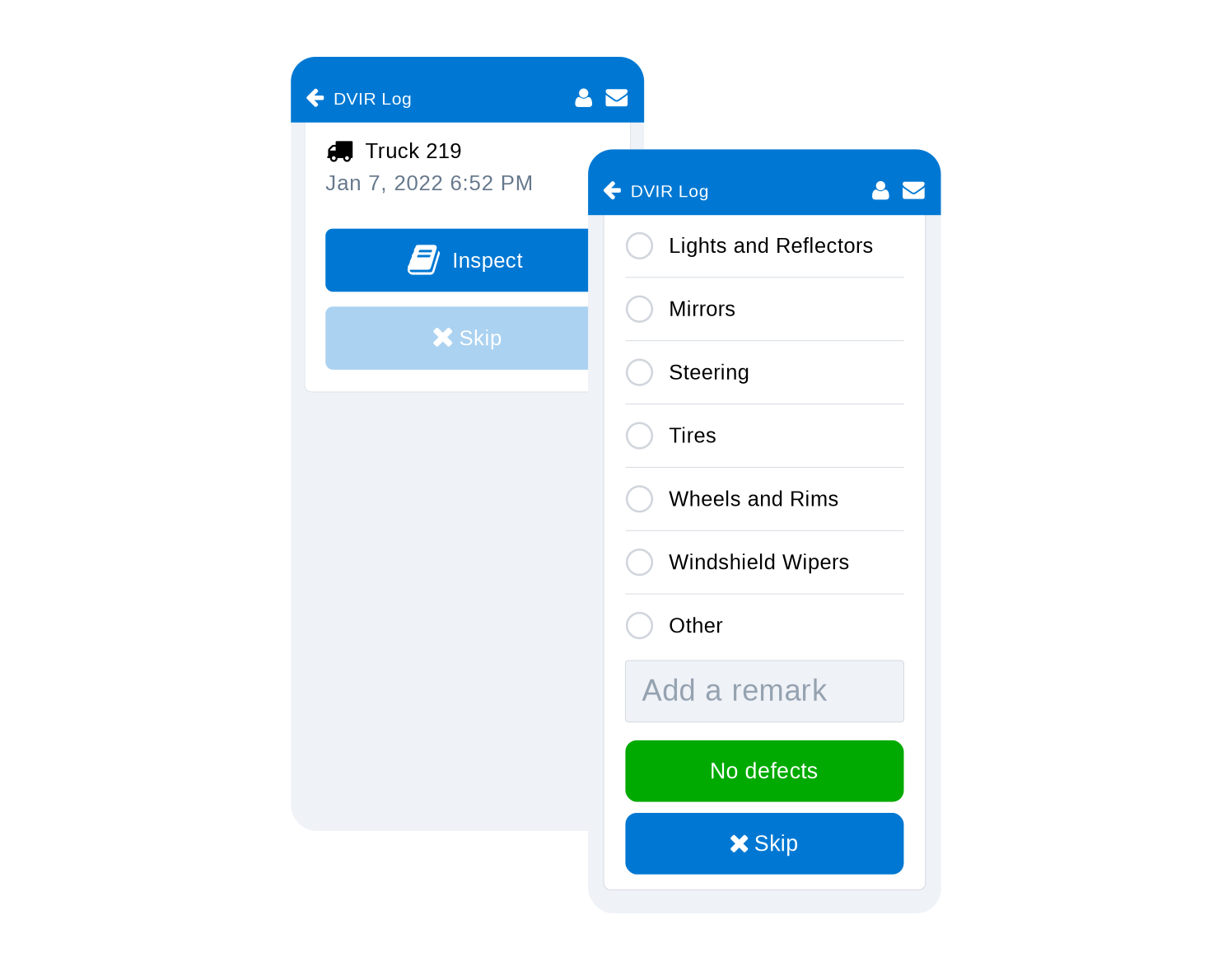
Geotab Drive digitizes this process through its Asset Inspection workflow, allowing drivers to complete inspections electronically, report defects and remarks, and certify inspections from a mobile device. Electronic inspections make it easier for fleets to organize inspection records while keeping drivers and fleet managers connected throughout the process.
Why is DVIR needed?
Strengthen fleet safety and compliance.
DVIRs are an important part of commercial fleet safety, helping drivers identify mechanical problems and safety defects before they contribute to collisions, breakdowns or roadside issues. FMCSA regulations require applicable commercial motor vehicles to be inspected, with safety-related defects documented and addressed according to federal requirements.
Electronic inspections simplify the process by giving drivers a structured checklist and allowing fleet managers to review completed inspections digitally. Geotab Drive supports inspection workflows that help drivers document vehicle condition and report issues efficiently.

What is included?
What’s Checked with a Geotab Asset Inspection
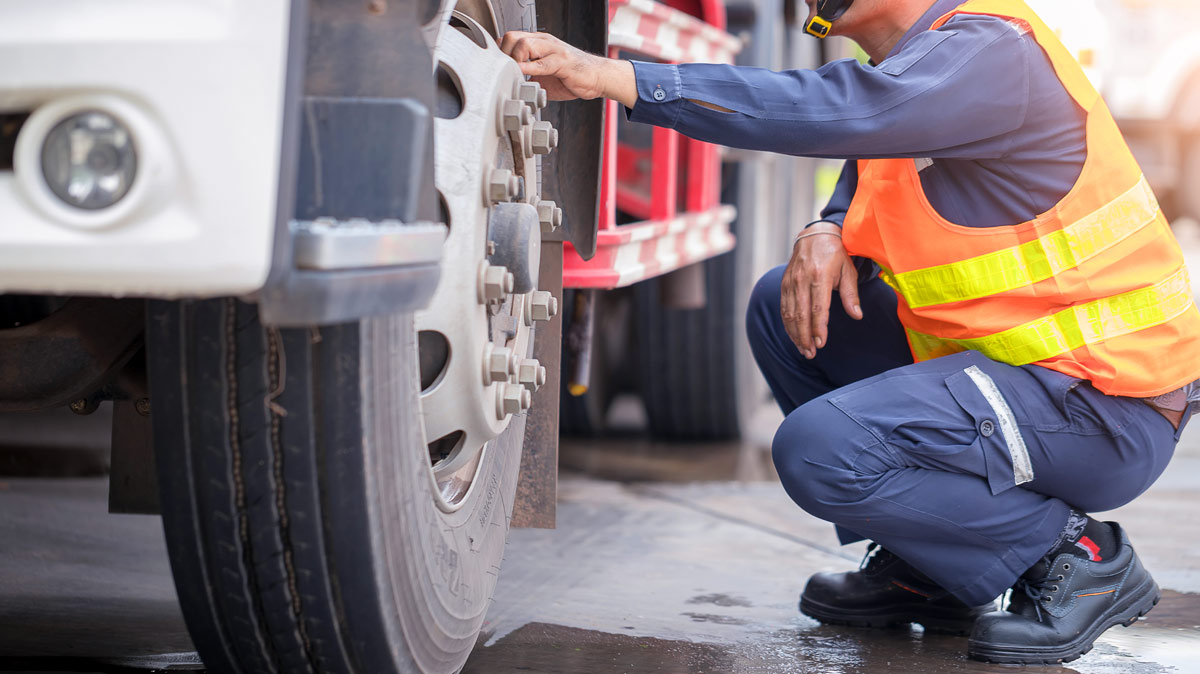
Under FMCSA requirements, a post-trip DVIR must cover key vehicle components and document defects or deficiencies that could affect safe operation or result in a mechanical breakdown. Required inspection areas include:
- Service brakes, including trailer brake connections
- Parking or hand brake
- Steering mechanism
- Lighting devices and reflectors
- Tires
- Horn
- Windshield wipers
- Rear-vision mirrors
- Coupling devices
- Wheels and rims
- Emergency equipment
These inspection items help drivers identify potential safety issues and give fleet managers a record of defects requiring attention.

Geotab Custom DVIR
Improving Inspections with Geotab Drive
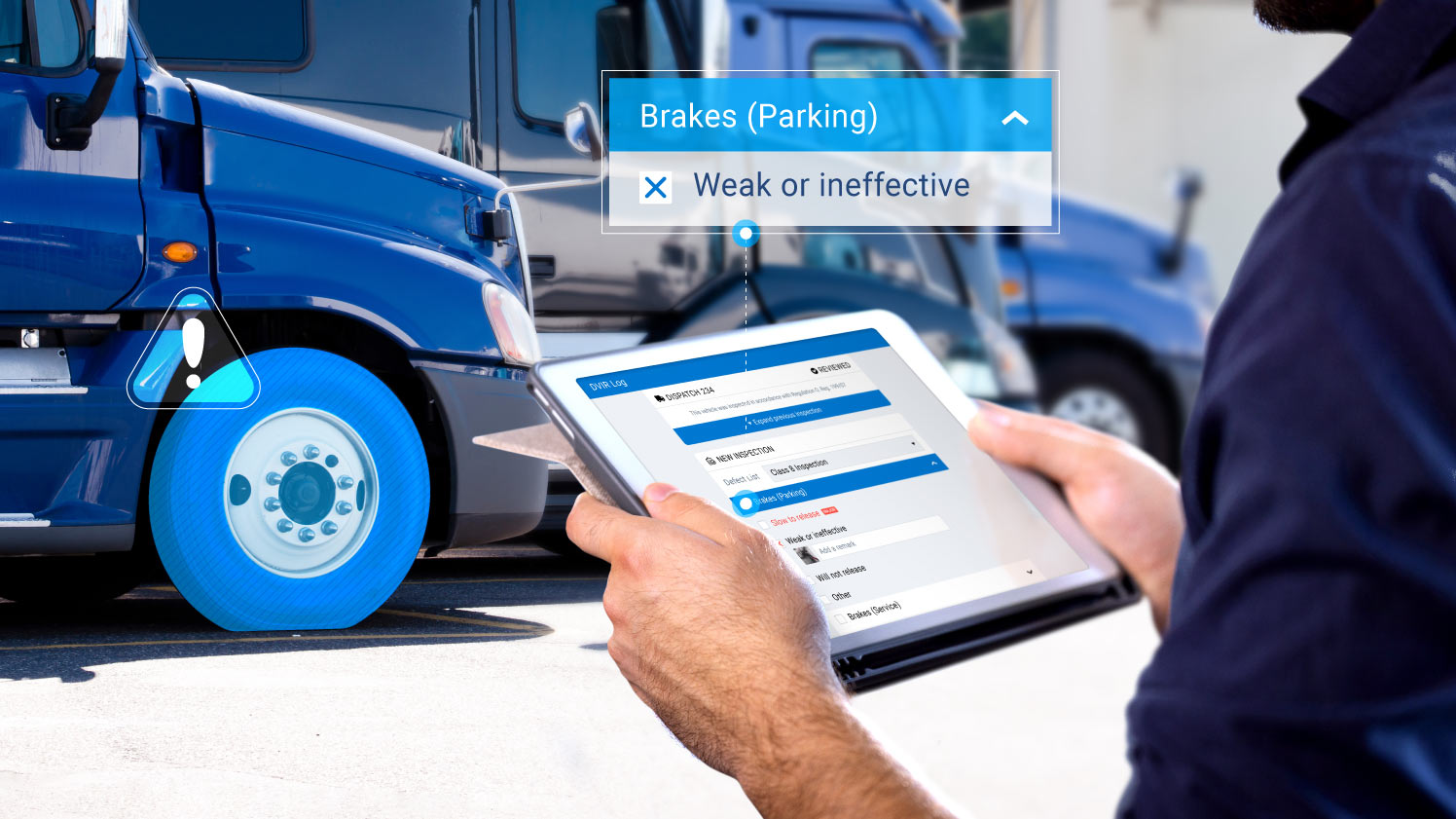
Geotab Drive provides a default inspection checklist, while MyGeotab allows administrators to create and customize defect lists based on the specific needs of their fleet. Custom lists can be assigned to different vehicle groups and configured for vehicles, trailers or both.
Geotab categorizes defects as major, minor and unregulated, allowing fleets to organize inspection issues based on their operational and compliance requirements. Custom defect lists can include specific parts and defects and can be tailored to different types of vehicles or equipment.
This flexibility makes electronic inspections useful not only for regulatory compliance, but also for monitoring vehicle condition and identifying recurring maintenance issues across a fleet.
Asset Inspections Beyond Vehicles
Inspect Trailers and Other Fleet Assets
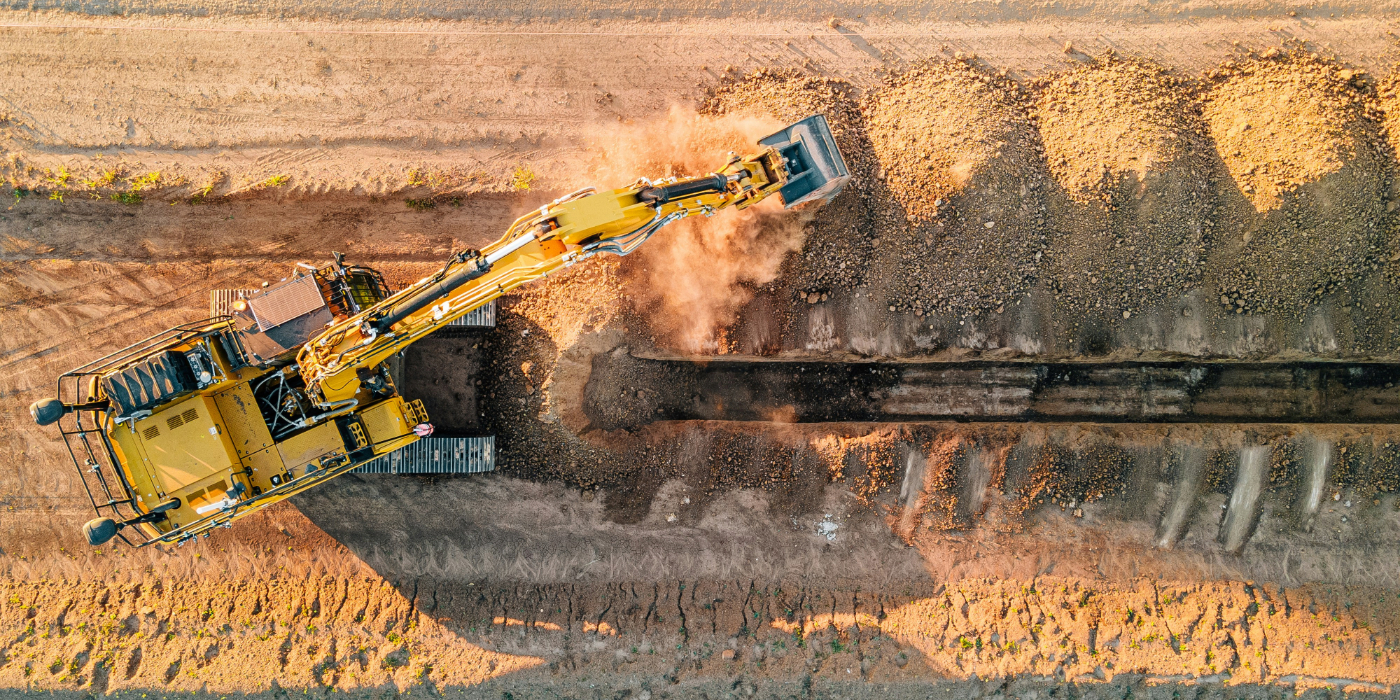
Geotab has expanded Asset Inspections beyond traditional vehicle inspections to support a broader range of physical assets. Fleets can use the platform to perform structured digital inspections for vehicles, trailers, heavy equipment, job-site machinery and other assets.
The expanded workflow can help organizations centralize inspections, identify defects and connect inspection findings with maintenance processes. Geotab also supports tools such as barcode and QR code scanning to help users select the appropriate inspection template for an asset.

Daily vehicle inspections are an important part of commercial fleet safety and compliance. Drivers must inspect applicable vehicles before operation, while required post-trip DVIRs document safety-related defects identified during the workday. Geotab Drive simplifies the inspection process with electronic Asset Inspections, allowing drivers to complete checklists, report defects and certify inspections from a mobile device. Find out how to perform asset inspections in the drive app.
Want to Learn More?
Have questions or need more information about Geotab Investigations? Our team is here to help!
Reach out to us today to learn how we can assist with your fleet needs and ensure your fleet stays compliant and safe.
Contact us now to get started!
Frequently Asked Questions
What is DVIR in trucking?
A DVIR (Driver Vehicle Inspection Report) is a record used to document the condition of a commercial motor vehicle and any safety-related defects identified during an inspection. Drivers use DVIRs to report vehicle problems to their carrier, helping ensure defects are addressed and vehicles remain safe to operate.
Why is DVIR important?
DVIRs help drivers identify safety-related defects before they contribute to collisions, breakdowns or other operational problems. They also give fleet managers documentation of reported issues and help maintenance teams track defects that require attention.
Is DVIR mandatory?
Yes, DVIR requirements apply to many commercial motor vehicles regulated under FMCSA rules. Under 49 CFR 396.11, applicable drivers must complete and sign a post-trip inspection report, subject to specific exceptions and reporting requirements. A pre-trip inspection is also required under 49 CFR 396.13.
Who needs to complete a DVIR?
DVIR requirements generally apply to drivers operating commercial motor vehicles subject to FMCSA regulations. Requirements can vary depending on the type of vehicle and operation. For example, passenger-carrying commercial motor vehicles have different reporting requirements from other commercial motor vehicles when no safety-related defect is found.
How often should a DVIR be completed?
Under FMCSA regulations, drivers of applicable commercial motor vehicles must inspect the vehicle before operating it. A post-trip DVIR must generally be completed at the end of each day’s work for each vehicle operated, with specific reporting requirements depending on the type of commercial motor vehicle and whether a qualifying defect was identified.
What should be included in a DVIR?
A DVIR must cover the vehicle components specified by FMCSA regulations and identify any defect or deficiency that could affect the safe operation of the vehicle or result in a mechanical breakdown. Required inspection areas include brakes, steering, lights and reflectors, tires, the horn, windshield wipers, mirrors, coupling devices, wheels and rims, and emergency equipment.
What is an electronic DVIR (eDVIR)?
An electronic DVIR, or eDVIR, is a digital version of the Driver Vehicle Inspection Report. Instead of completing inspection paperwork manually, drivers can use a mobile device to complete an inspection checklist, report defects and submit or certify the inspection electronically.
What is the difference between DVIR and Asset Inspection?
DVIR is the commonly used term for a Driver Vehicle Inspection Report, while Geotab uses the term Asset Inspection for its electronic inspection workflow. Geotab Drive is used by drivers to perform inspections, while MyGeotab provides tools for fleet managers to review inspections, manage defects and track repairs.
What is Geotab Drive used for during a DVIR?
Geotab Drive is the driver-facing app used to perform Asset Inspections. Drivers can select the appropriate inspection, work through the checklist, report defects or remarks, and complete the certification process from their mobile device.
What can fleet managers see in MyGeotab?
Fleet managers can review completed Asset Inspection reports in MyGeotab and filter records by statuses such as defective, repaired and certified. They can also review individual inspection details and update repair information for reported defects.
Can Geotab DVIR checklists be customized?
Yes. MyGeotab allows fleets to create and customize defect lists based on their operational requirements. Lists can include specific parts and defects and can be assigned to selected groups of vehicles, trailers or other applicable assets.
Can Geotab Asset Inspections be used for trailers?
Yes. Geotab Asset Inspections can be used for trailers as well as vehicles. Fleets can create inspection workflows that apply to vehicles, trailers or both, making it easier to manage inspection information across different types of assets.
What happens when a defect is found during an inspection?
When a driver identifies a defect, the issue can be recorded in the Asset Inspection and reviewed by fleet or maintenance personnel. The defect can then be repaired, documented and tracked in MyGeotab. Vehicles with safety-related defects must be addressed according to applicable FMCSA requirements before they are dispatched again.
How are DVIR defects repaired in Geotab?
Authorized users can update the repair status of identified defects and add repair remarks in Geotab Drive or MyGeotab. Once the defect has been resolved, the inspection record can show that the issue was repaired, and the driver can review and certify the previous inspection when required.
Can drivers certify a previous inspection in Geotab Drive?
Yes. When a previous inspection contains unresolved defects, the driver can review the reported issues in Geotab Drive and indicate whether they were repaired, whether they are not a defect, or whether repair is not necessary for safe operation. Once the appropriate resolutions are recorded, the driver can certify the previous inspection.
Can DVIRs help with fleet maintenance?
Yes. DVIRs give maintenance teams visibility into defects reported by drivers and help them prioritize repairs. Inspection information in MyGeotab can be reviewed alongside other maintenance information, making it easier to track vehicle condition and identify issues that need attention.
Can Geotab connect DVIR defects to work orders?
Yes. Geotab supports a DVIR defect-triggered work request workflow that can automatically create a work request in MyGeotab when a driver submits an inspection defect requiring repair. Geotab currently identifies this functionality as being in beta.
Can I print or keep electronic DVIR records?
Yes. Completed Asset Inspection reports can be reviewed and printed from MyGeotab, either individually or in bulk. Under FMCSA regulations, carriers must retain the original DVIR, repair certification and driver review certification for three months from the date of the initial report.
What are the benefits of electronic DVIRs?
Electronic DVIRs reduce paperwork and provide drivers with a structured way to complete inspections from a mobile device. Fleet managers can review inspection results digitally, identify reported defects more quickly, and keep inspection and repair records organized in one system.
Can Geotab Asset Inspections be used for other fleet assets?
Yes. Geotab has expanded Asset Inspections beyond traditional vehicles to support physical assets such as trailers, heavy equipment and job-site machinery. This allows fleets to use structured digital inspections across a broader range of assets and track identified issues in one platform.